¿Puedo correr Emergency Call 112 – The Fire Fighting Simulation 2?
Detectando...
Verificando tu PC
¿Cómo le va a tu equipo?
Detectando tu hardware...
Requisitos del Sistema
| Componente | Mínimo | Recomendado | Tu PC |
|---|---|---|---|
| GPU | GPU with 4 GB VRAM, Nvidia GeForce GTX 1060 (4 GB) or AMD Radeon RX 560 (6GB) (no support of OnBoard graphic card) | — | Detectando... |
| CPU | AMD Ryzen 3 1500X / Intel i5-6600K | — | Detectando... |
| RAM | 8 GB | — | Detectando... |
| Almacenamiento | 20 GB | — | — |
| DirectX | Version 11 | — | — |
Acerca de
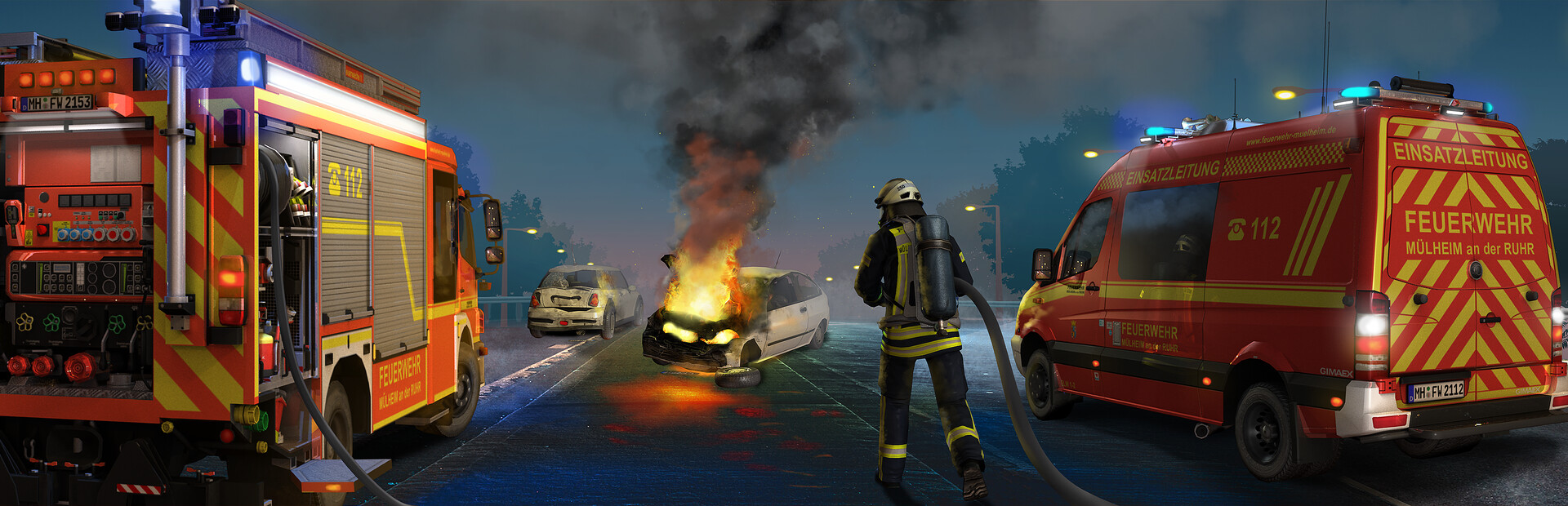
Emergency Call 112 – The Fire Fighting Simulation 2 is the consequent further development of the successful first part, which lets every Firefighter Fan experience the way a professional fire brigade works.
Preguntas Frecuentes
¿Puedo correr Emergency Call 112 – The Fire Fighting Simulation 2 en mi PC?
Para correr Emergency Call 112 – The Fire Fighting Simulation 2 necesitas al menos GPU with 4 GB VRAM y 8GB de RAM. . Usa CanIRun.gg para verificar tu PC al instante y gratis.
¿Cuáles son los requisitos mínimos de Emergency Call 112 – The Fire Fighting Simulation 2?
Requisitos mínimos de Emergency Call 112 – The Fire Fighting Simulation 2: GPU: GPU with 4 GB VRAM, Nvidia GeForce GTX 1060 (4 GB) or AMD Radeon RX 560 (6GB) (no support of OnBoard graphic card), CPU: AMD Ryzen 3 1500X / Intel i5-6600K, RAM: 8 GB, Almacenamiento: 20 GB, DirectX: Version 11.
¿Cuáles son los requisitos recomendados de Emergency Call 112 – The Fire Fighting Simulation 2?
Requisitos recomendados de Emergency Call 112 – The Fire Fighting Simulation 2: GPU: No especificado, CPU: No especificado, RAM: —, Almacenamiento: —.
¿Cuántos GB pesa Emergency Call 112 – The Fire Fighting Simulation 2?
Emergency Call 112 – The Fire Fighting Simulation 2 requiere al menos 20 GB de almacenamiento libre para su instalación. Asegúrate de tener algo de espacio extra para actualizaciones y partidas guardadas.
¿Puedo correr Emergency Call 112 – The Fire Fighting Simulation 2 con una GTX 1650?
No — una GTX 1650 queda por debajo del requisito mínimo de GPU para Emergency Call 112 – The Fire Fighting Simulation 2. Necesitarás una tarjeta más potente (aproximadamente GPU with 4 GB VRAM o mejor) para una experiencia jugable.
¿Emergency Call 112 – The Fire Fighting Simulation 2 exige más CPU o GPU?
Emergency Call 112 – The Fire Fighting Simulation 2 exige principalmente más GPU. El tier mínimo de GPU es alto en relación al requisito de CPU, así que la tarjeta gráfica es el cuello de botella principal — mejorar la GPU dará la mayor ganancia de frames.





