¿Puedo correr One Finger Death Punch?
Detectando...
Verificando tu PC
¿Cómo le va a tu equipo?
Detectando tu hardware...
Requisitos del Sistema
| Componente | Mínimo | Recomendado | Tu PC |
|---|---|---|---|
| GPU | 512 MB VRAM with Shader Model 3.0 support and needs a directX 10 capable video card. | 512 MB VRAM with Shader Model 3.0 support and needs a directX 10 capable video card. | Detectando... |
| CPU | 2.0 GHz+ Dual Core Processor or higher | 2.0 GHz+ Dual Core Processor or higher | Detectando... |
| RAM | 1 GB | 2 GB | Detectando... |
| Almacenamiento | 0.195312 GB | 0.195312 GB | — |
| DirectX | Version 9.0c | Version 9.0c | — |
Acerca de
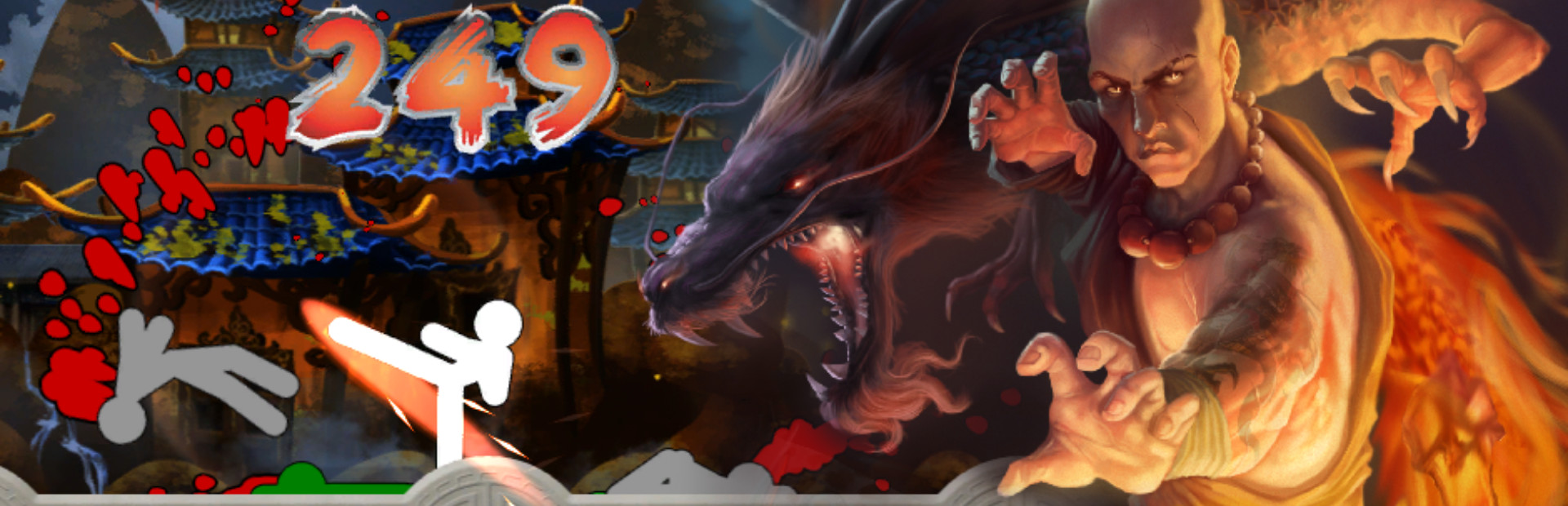
Experience cinematic kung-fu battles in the fastest, most intense brawler the indie world has ever seen! With the unique 1:1 response system of One Finger Death Punch, players will feel the immediate feedback of every bone-crunching hit. Pay tribute to the masters using five classic kung-fu styles mixed with additional weapons.
Preguntas Frecuentes
¿Puedo correr One Finger Death Punch en mi PC?
Para correr One Finger Death Punch necesitas al menos una GPU compatible con DirectX y 1GB de RAM. con 2GB de RAM. Usa CanIRun.gg para verificar tu PC al instante y gratis.
¿Cuáles son los requisitos mínimos de One Finger Death Punch?
Requisitos mínimos de One Finger Death Punch: GPU: 512 MB VRAM with Shader Model 3.0 support and needs a directX 10 capable video card., CPU: 2.0 GHz+ Dual Core Processor or higher, RAM: 1 GB, Almacenamiento: 0.195312 GB, DirectX: Version 9.0c.
¿Cuáles son los requisitos recomendados de One Finger Death Punch?
Requisitos recomendados de One Finger Death Punch: GPU: 512 MB VRAM with Shader Model 3.0 support and needs a directX 10 capable video card., CPU: 2.0 GHz+ Dual Core Processor or higher, RAM: 2 GB, Almacenamiento: 0.195312 GB, DirectX: Version 9.0c.
¿Cuántos GB pesa One Finger Death Punch?
One Finger Death Punch requiere al menos 0.195312 GB de almacenamiento libre para su instalación. Asegúrate de tener algo de espacio extra para actualizaciones y partidas guardadas.
¿Puedo correr One Finger Death Punch con una GTX 1650?
Sí — una GTX 1650 cumple cómodamente con el mínimo e incluso se acerca al tier recomendado de GPU para One Finger Death Punch. Espera buen rendimiento a 1080p en calidad media.
¿One Finger Death Punch exige más CPU o GPU?
One Finger Death Punch es relativamente más exigente con el CPU que con la GPU. El rendimiento single-thread y la frecuencia del procesador importan más que la potencia bruta de GPU — asegúrate de que tu procesador cumpla el requisito recomendado.