Can I Run BONELAB?
Detecting...
Checking your PC
How does your hardware run it?
Detecting your hardware...
System Requirements
| Component | Minimum | Recommended | Your PC |
|---|---|---|---|
| GPU | GTX 1070 / 1660TI (6GB VRAM) | We recommend a 2070/2060super/1080ti or greater so you can have headroom to play with. Any GPU that ran Boneworks well should be great. | Detecting... |
| CPU | Intel i5 7600 3.5ghz+ | Intel i7 9700k or greater, 3.6 ghz+ | Detecting... |
| RAM | 8 GB | 16 GB | Detecting... |
| Storage | 20 GB | 20 GB | — |
| DirectX | Version 11 | Version 11 | — |
About
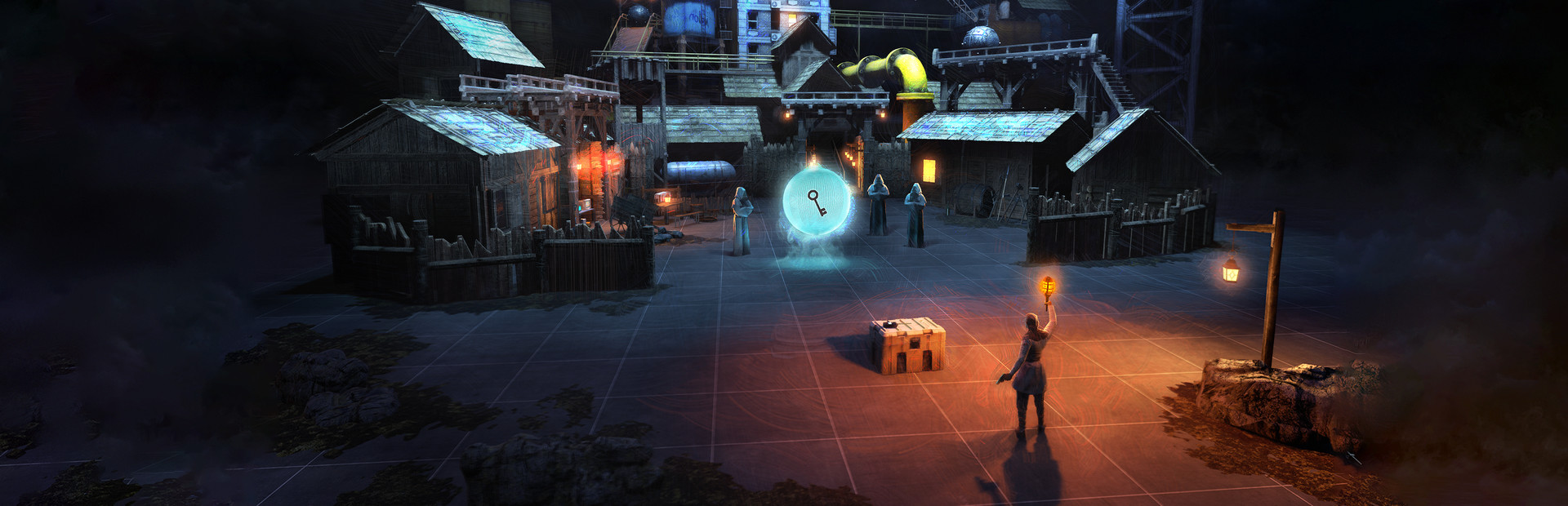
BONELAB is an experimental physics action game. Explore a mysterious lab filled with weapons, enemies, challenges and secrets. Escape your reality, or wreak havoc. No wrong answers.
Frequently Asked Questions
Can I run BONELAB on my PC?
To run BONELAB you need at least GTX 1070 and 8GB RAM. For the best experience, We recommend a 2070 with 16GB RAM is recommended. Use CanIRun.gg to check your PC instantly for free.
What are the minimum requirements for BONELAB?
BONELAB minimum requirements: GPU: GTX 1070 / 1660TI (6GB VRAM), CPU: Intel i5 7600 3.5ghz+, RAM: 8 GB, Storage: 20 GB, DirectX: Version 11.
What are the recommended specs for BONELAB?
BONELAB recommended specs: GPU: We recommend a 2070/2060super/1080ti or greater so you can have headroom to play with. Any GPU that ran Boneworks well should be great., CPU: Intel i7 9700k or greater, 3.6 ghz+, RAM: 16 GB, Storage: 20 GB, DirectX: Version 11.
How many GB is BONELAB?
BONELAB requires at least 20 GB of free storage for installation. Make sure you have some extra headroom for patches and save files.
Can a GTX 1650 run BONELAB?
Yes — a GTX 1650 comfortably meets the minimum and even approaches the recommended GPU tier for BONELAB. Expect solid 1080p performance at medium settings.
Is BONELAB CPU or GPU intensive?
BONELAB is primarily GPU intensive. The minimum GPU tier is high relative to the CPU requirement, so the graphics card is the main bottleneck — upgrading your GPU will deliver the biggest frame rate gains.





