Can I Run Bottle Cracks?
Detecting...
Checking your PC
How does your hardware run it?
Detecting your hardware...
System Requirements
| Component | Minimum | Recommended | Your PC |
|---|---|---|---|
| GPU | GTX 970 | RTX 2060 or equivalent | Detecting... |
| CPU | Intel Core i5 @ 2.5 GHz or higher | Intel Core i5 @ 3.0 GHz or higher | Detecting... |
| RAM | 4 GB | 8 GB | Detecting... |
| Storage | 3 GB | 3 GB | — |
| DirectX | Version 11 | — | — |
About
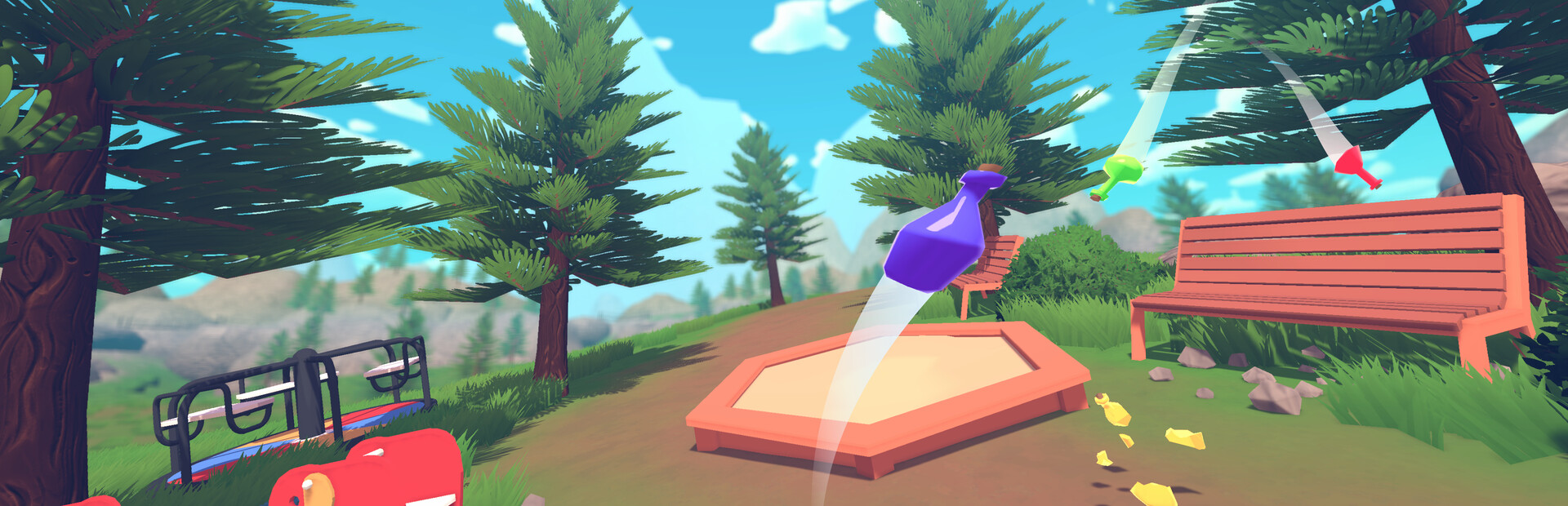
Bottle Cracks is a party game where everyone is a bottle. Jump through chaotic levels without breaking! Play solo, online with up to 12 players, or with unlimited local players.
Frequently Asked Questions
Can I run Bottle Cracks on my PC?
To run Bottle Cracks you need at least GTX 970 and 4GB RAM. with 8GB RAM is recommended. Use CanIRun.gg to check your PC instantly for free.
What are the minimum requirements for Bottle Cracks?
Bottle Cracks minimum requirements: GPU: GTX 970, CPU: Intel Core i5 @ 2.5 GHz or higher, RAM: 4 GB, Storage: 3 GB, DirectX: Version 11.
What are the recommended specs for Bottle Cracks?
Bottle Cracks recommended specs: GPU: RTX 2060 or equivalent, CPU: Intel Core i5 @ 3.0 GHz or higher, RAM: 8 GB, Storage: 3 GB.
How many GB is Bottle Cracks?
Bottle Cracks requires at least 3 GB of free storage for installation. Make sure you have some extra headroom for patches and save files.
Can a GTX 1650 run Bottle Cracks?
No — a GTX 1650 falls below the minimum GPU requirement for Bottle Cracks. You would need a stronger card (roughly GTX 970 or better) for a playable experience.
Is Bottle Cracks CPU or GPU intensive?
Bottle Cracks is primarily GPU intensive. The minimum GPU tier is high relative to the CPU requirement, so the graphics card is the main bottleneck — upgrading your GPU will deliver the biggest frame rate gains.