Can I Run CivCity: Rome?
Detecting...
Checking your PC
How does your hardware run it?
Detecting your hardware...
System Requirements
| Component | Minimum | Recommended | Your PC |
|---|---|---|---|
| GPU | — | — | Detecting... |
| CPU | — | — | Detecting... |
| RAM | — | — | Detecting... |
| Storage | — | — | — |
| DirectX | — | — | — |
About
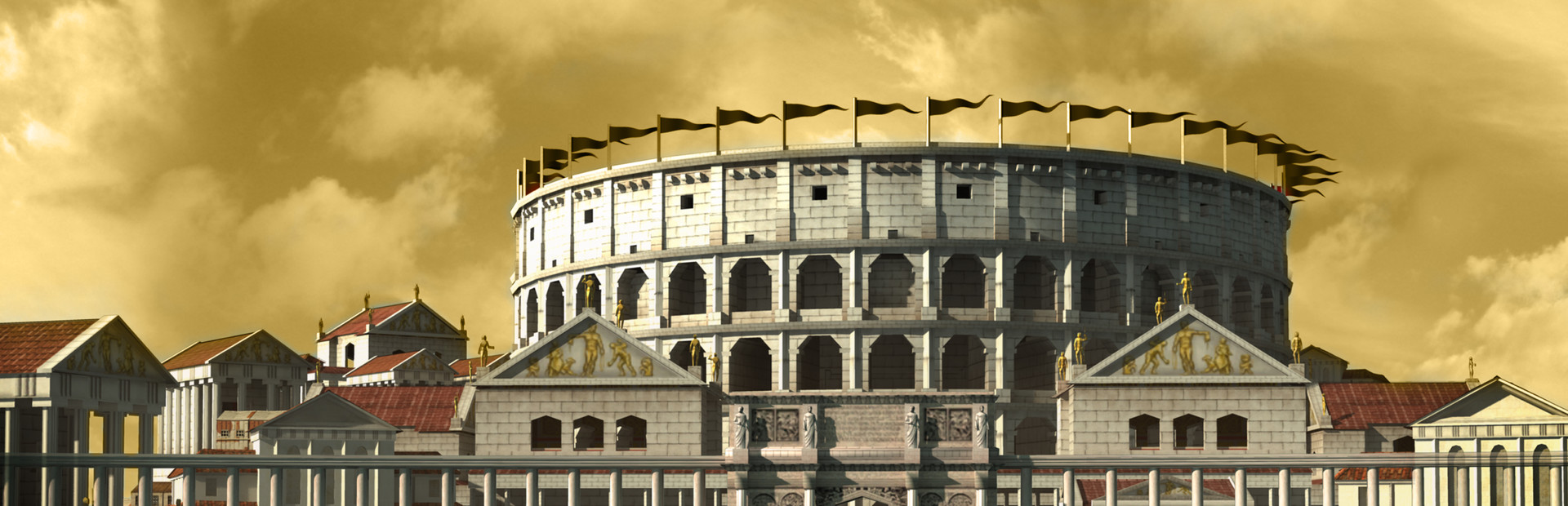
CivCity: Rome, an innovative city builder inspired by the world of Sid Meiers Civilization, and created by a collaboration between Firefly Studios and Firaxis Games, invites players to shift focus from building a multi-city empire and zoom-in on the great cities of the Roman Empire, culminating in Rome itself!
Frequently Asked Questions
Can I run CivCity: Rome on my PC?
To run CivCity: Rome you need at least a DirectX compatible GPU. . Use CanIRun.gg to check your PC instantly for free.
What are the minimum requirements for CivCity: Rome?
CivCity: Rome minimum requirements: GPU: Not specified, CPU: Not specified, RAM: —, Storage: —.
What are the recommended specs for CivCity: Rome?
CivCity: Rome recommended specs: GPU: Not specified, CPU: Not specified, RAM: —, Storage: —.
How many GB is CivCity: Rome?
The exact install size for CivCity: Rome is not listed in our database. Check the store page for the most current download size before installing.
Can a GTX 1650 run CivCity: Rome?
We don't have a confirmed GPU score for CivCity: Rome, but a GTX 1650 is an entry-level card from 2019 — it can usually run older or lightweight titles at 1080p low. Run the free CanIRun.gg check to see exactly where your PC lands.
Is CivCity: Rome CPU or GPU intensive?
CivCity: Rome does not expose a confirmed GPU tier in our database, so we cannot say definitively whether it is CPU or GPU bound. As a rule of thumb, most modern 3D titles lean GPU-heavy at 1080p and above.