Can I Run fpsVR?
Detecting...
Checking your PC
How does your hardware run it?
Detecting your hardware...
System Requirements
| Component | Minimum | Recommended | Your PC |
|---|---|---|---|
| GPU | NVIDIA GeForce GTX 970, AMD Radeon R9 290 equivalent or better | — | Detecting... |
| CPU | Intel® Core™ i5-4590 or AMD FX™ 8350, equivalent or better | — | Detecting... |
| RAM | 4 GB | — | Detecting... |
| Storage | 0.0976562 GB | — | — |
| DirectX | Version 11 | — | — |
About
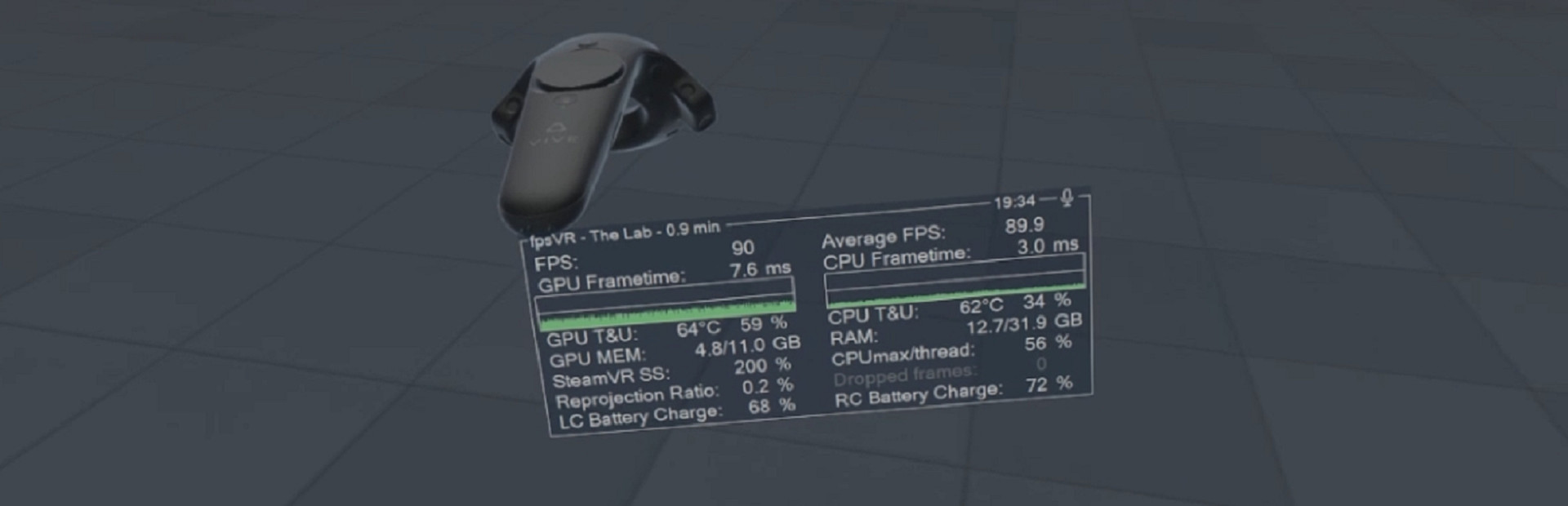
Utility for SteamVR for keeping track of FPS, frame time and other performance metrics in the in-game overlay. Easily change SteamVR settings in the fpsVR settings overlay in the SteamVR dashboard. Headset cable twist tracking and other useful features.
Frequently Asked Questions
Can I run fpsVR on my PC?
To run fpsVR you need at least NVIDIA GeForce GTX 970 and 4GB RAM. . Use CanIRun.gg to check your PC instantly for free.
What are the minimum requirements for fpsVR?
fpsVR minimum requirements: GPU: NVIDIA GeForce GTX 970, AMD Radeon R9 290 equivalent or better, CPU: Intel® Core™ i5-4590 or AMD FX™ 8350, equivalent or better, RAM: 4 GB, Storage: 0.0976562 GB, DirectX: Version 11.
What are the recommended specs for fpsVR?
fpsVR recommended specs: GPU: Not specified, CPU: Not specified, RAM: —, Storage: —.
How many GB is fpsVR?
fpsVR requires at least 0.0976562 GB of free storage for installation. Make sure you have some extra headroom for patches and save files.
Can a GTX 1650 run fpsVR?
No — a GTX 1650 falls below the minimum GPU requirement for fpsVR. You would need a stronger card (roughly NVIDIA GeForce GTX 970 or better) for a playable experience.
Is fpsVR CPU or GPU intensive?
fpsVR is primarily GPU intensive. The minimum GPU tier is high relative to the CPU requirement, so the graphics card is the main bottleneck — upgrading your GPU will deliver the biggest frame rate gains.