Can I Run Friends vs Friends?
Detecting...
Checking your PC
How does your hardware run it?
Detecting your hardware...
System Requirements
| Component | Minimum | Recommended | Your PC |
|---|---|---|---|
| GPU | NVIDIA GeForce GTX 780 | NVIDIA GeForce GTX 1070 / Radeon (TM) RX 480 Graphics | Detecting... |
| CPU | Intel Core i5-3570K or AMD equivalent | Intel(R) Core(TM) i7-9700K CPU @ 3.60GHz / AMD Ryzen 7 1700X Eight-Core | Detecting... |
| RAM | 8 GB | 8 GB | Detecting... |
| Storage | 15 GB | 15 GB | — |
| DirectX | Version 11 | Version 11 | — |
About
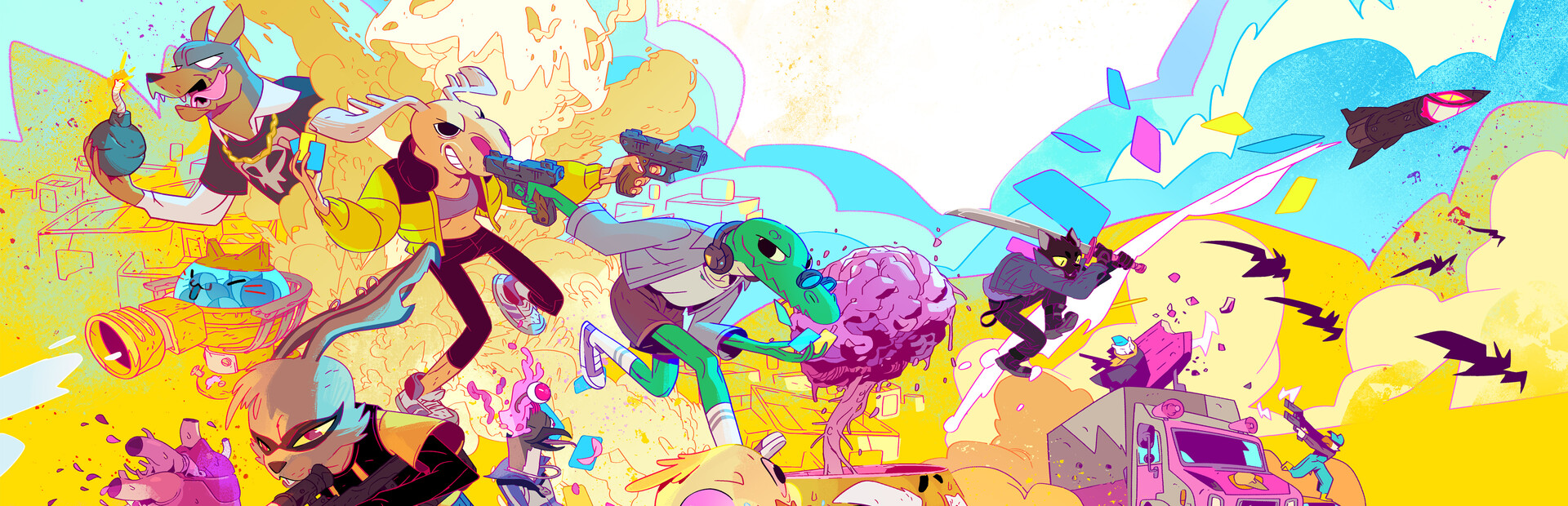
A frantic, online PvP shooter that combines combat and deck building. Choose a character, customize your card-based loadout, and get ready for the fights of your life!
Frequently Asked Questions
Can I run Friends vs Friends on my PC?
To run Friends vs Friends you need at least NVIDIA GeForce GTX 780 and 8GB RAM. For the best experience, NVIDIA GeForce GTX 1070 with 8GB RAM is recommended. Use CanIRun.gg to check your PC instantly for free.
What are the minimum requirements for Friends vs Friends?
Friends vs Friends minimum requirements: GPU: NVIDIA GeForce GTX 780, CPU: Intel Core i5-3570K or AMD equivalent, RAM: 8 GB, Storage: 15 GB, DirectX: Version 11.
What are the recommended specs for Friends vs Friends?
Friends vs Friends recommended specs: GPU: NVIDIA GeForce GTX 1070 / Radeon (TM) RX 480 Graphics, CPU: Intel(R) Core(TM) i7-9700K CPU @ 3.60GHz / AMD Ryzen 7 1700X Eight-Core, RAM: 8 GB, Storage: 15 GB, DirectX: Version 11.
How many GB is Friends vs Friends?
Friends vs Friends requires at least 15 GB of free storage for installation. Make sure you have some extra headroom for patches and save files.
Can a GTX 1650 run Friends vs Friends?
No — a GTX 1650 falls below the minimum GPU requirement for Friends vs Friends. You would need a stronger card (roughly NVIDIA GeForce GTX 780 or better) for a playable experience.
Is Friends vs Friends CPU or GPU intensive?
Friends vs Friends puts balanced load on both CPU and GPU. Neither component is dramatically heavier than the other, so a mid-range CPU paired with a mid-range GPU delivers the best experience.





