Can I Run Hellblade: Senua's Sacrifice?
Detecting...
Checking your PC
How does your hardware run it?
Detecting your hardware...
System Requirements
| Component | Minimum | Recommended | Your PC |
|---|---|---|---|
| GPU | GTX 770 with 2GB VRAM / Radeon R9 280X 3GB | — | Detecting... |
| CPU | Intel i5 3570K / AMD FX-8350 | — | Detecting... |
| RAM | 8 GB | — | Detecting... |
| Storage | 30 GB | — | — |
| DirectX | Version 11 | — | — |
About
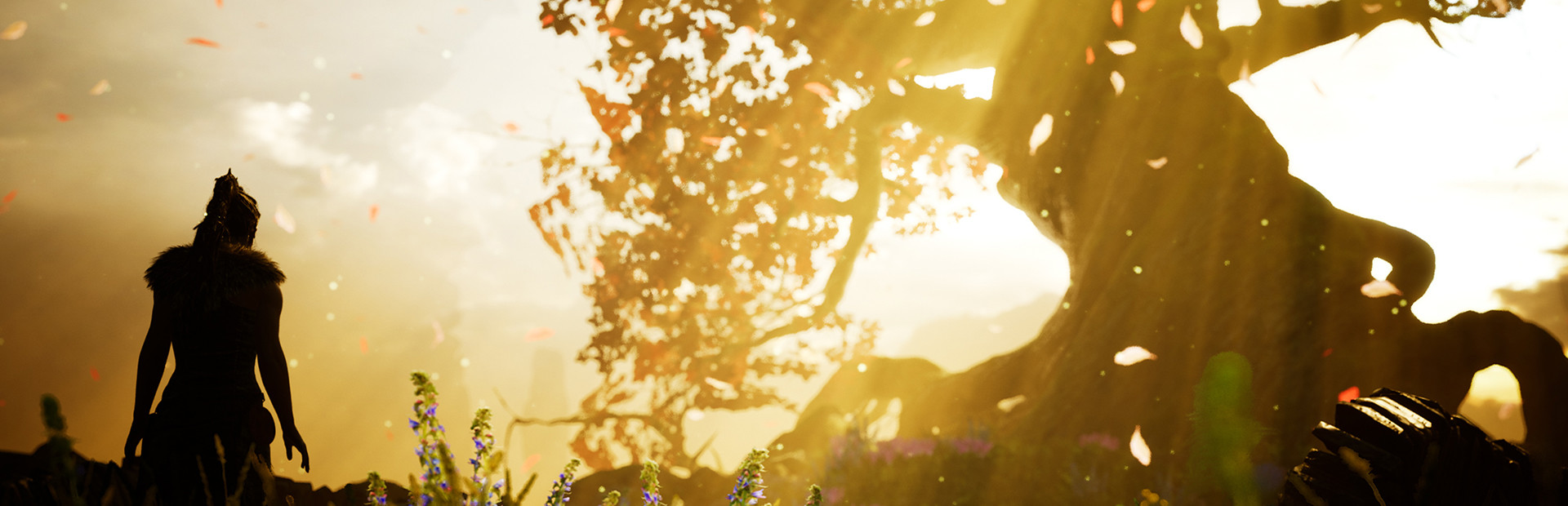
From the makers of Heavenly Sword, Enslaved: Odyssey to the West, and DmC: Devil May Cry, comes a warrior’s brutal journey into myth and madness. Set in the Viking age, a broken Celtic warrior embarks on a haunting vision quest into Viking Hell to fight for the soul of her dead lover.
Frequently Asked Questions
Can I run Hellblade: Senua's Sacrifice on my PC?
To run Hellblade: Senua's Sacrifice you need at least GTX 770 with 2GB VRAM and 8GB RAM. . Use CanIRun.gg to check your PC instantly for free.
What are the minimum requirements for Hellblade: Senua's Sacrifice?
Hellblade: Senua's Sacrifice minimum requirements: GPU: GTX 770 with 2GB VRAM / Radeon R9 280X 3GB, CPU: Intel i5 3570K / AMD FX-8350, RAM: 8 GB, Storage: 30 GB, DirectX: Version 11.
What are the recommended specs for Hellblade: Senua's Sacrifice?
Hellblade: Senua's Sacrifice recommended specs: GPU: Not specified, CPU: Not specified, RAM: —, Storage: —.
How many GB is Hellblade: Senua's Sacrifice?
Hellblade: Senua's Sacrifice requires at least 30 GB of free storage for installation. Make sure you have some extra headroom for patches and save files.
Can a GTX 1650 run Hellblade: Senua's Sacrifice?
No — a GTX 1650 falls below the minimum GPU requirement for Hellblade: Senua's Sacrifice. You would need a stronger card (roughly GTX 770 with 2GB VRAM or better) for a playable experience.
Is Hellblade: Senua's Sacrifice CPU or GPU intensive?
Hellblade: Senua's Sacrifice puts balanced load on both CPU and GPU. Neither component is dramatically heavier than the other, so a mid-range CPU paired with a mid-range GPU delivers the best experience.





