Can I Run Kindling?
Detecting...
Checking your PC
How does your hardware run it?
Detecting your hardware...
System Requirements
| Component | Minimum | Recommended | Your PC |
|---|---|---|---|
| GPU | GeForce GTX 1060 6GB or Radeon RX 580 8GB or Arc A380 | GeForce RTX 2060 SUPER or Radeon RX 5700 XT or Arc A770 | Detecting... |
| CPU | Core i7-6700 or Ryzen 5 1600 | Core i7-12700 or Ryzen 7 7800X3D | Detecting... |
| RAM | 12 GB | 16 GB | Detecting... |
| Storage | 5 GB | 5 GB | — |
| DirectX | Version 12 | Version 12 | — |
About
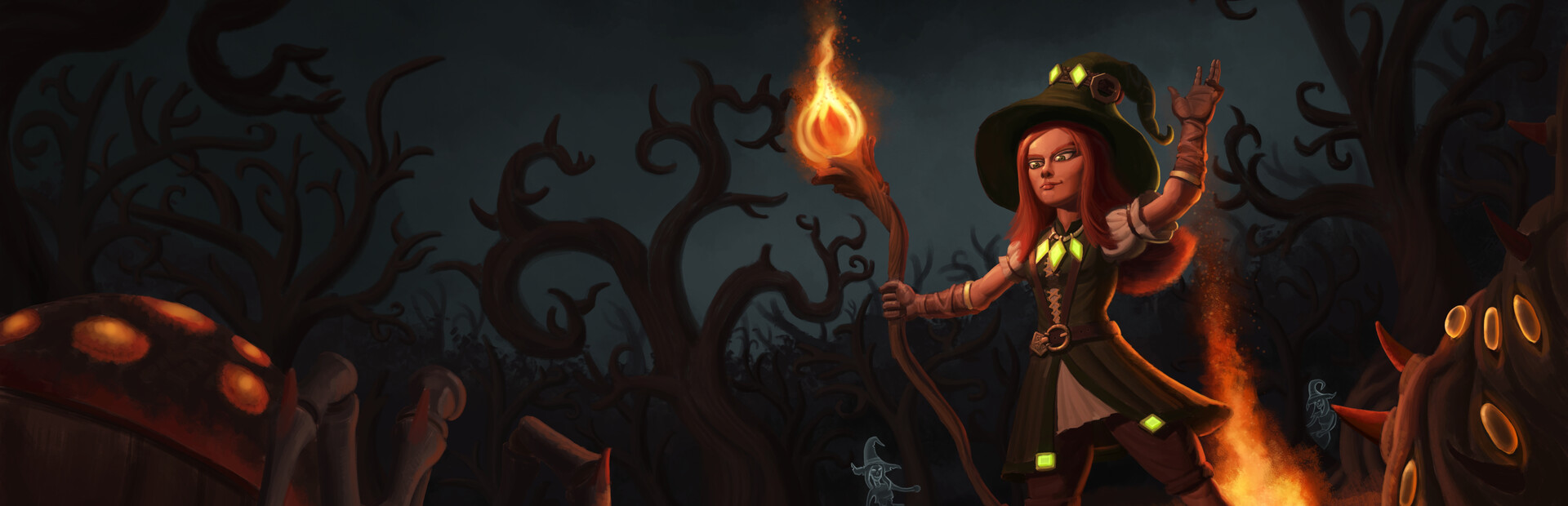
A dark, atmospheric action roguelite where fire is survival. One shield. One life. Kill shadows for embers, grow stronger through death, break seals to escape the nightmare you created. No health bars. Burn, die, learn, repeat.
Frequently Asked Questions
Can I run Kindling on my PC?
To run Kindling you need at least a DirectX compatible GPU and 12GB RAM. with 16GB RAM is recommended. Use CanIRun.gg to check your PC instantly for free.
What are the minimum requirements for Kindling?
Kindling minimum requirements: GPU: GeForce GTX 1060 6GB or Radeon RX 580 8GB or Arc A380, CPU: Core i7-6700 or Ryzen 5 1600, RAM: 12 GB, Storage: 5 GB, DirectX: Version 12.
What are the recommended specs for Kindling?
Kindling recommended specs: GPU: GeForce RTX 2060 SUPER or Radeon RX 5700 XT or Arc A770, CPU: Core i7-12700 or Ryzen 7 7800X3D, RAM: 16 GB, Storage: 5 GB, DirectX: Version 12.
How many GB is Kindling?
Kindling requires at least 5 GB of free storage for installation. Make sure you have some extra headroom for patches and save files.
Can a GTX 1650 run Kindling?
No — a GTX 1650 falls below the minimum GPU requirement for Kindling. You would need a stronger card (roughly the listed minimum GPU or better) for a playable experience.
Is Kindling CPU or GPU intensive?
Kindling is primarily GPU intensive. The minimum GPU tier is high relative to the CPU requirement, so the graphics card is the main bottleneck — upgrading your GPU will deliver the biggest frame rate gains.