Can I Run Tabletopia?
Detecting...
Checking your PC
How does your hardware run it?
Detecting your hardware...
System Requirements
| Component | Minimum | Recommended | Your PC |
|---|---|---|---|
| GPU | 1024 MB | 1024 MB, DirectX 11 or higher, discrete video card | Detecting... |
| CPU | 1.2 GHz, 2 cores | Intel® Core™ i5 or higher, 1.5+ GHz, 2+ cores | Detecting... |
| RAM | 4 GB | 8 GB | Detecting... |
| Storage | — | — | — |
| DirectX | Version 11 | Version 11 | — |
About
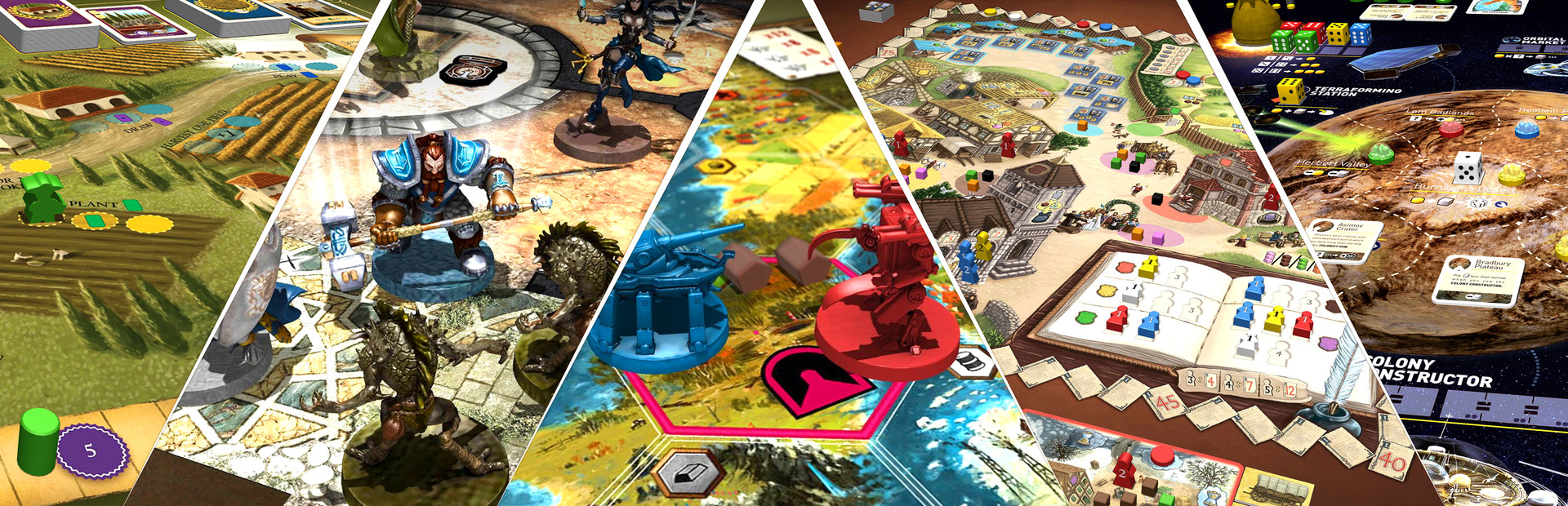
Tabletopia is a sandbox virtual table with high-quality board games and ready setups. Already 2,400+ games and counting! Play how you want with whom you want: guests don’t need accounts to play. Or make your own games, no programming skills required.
Frequently Asked Questions
Can I run Tabletopia on my PC?
To run Tabletopia you need at least 1024 MB and 4GB RAM. For the best experience, 1024 MB with 8GB RAM is recommended. Use CanIRun.gg to check your PC instantly for free.
What are the minimum requirements for Tabletopia?
Tabletopia minimum requirements: GPU: 1024 MB, CPU: 1.2 GHz, 2 cores, RAM: 4 GB, Storage: —, DirectX: Version 11.
What are the recommended specs for Tabletopia?
Tabletopia recommended specs: GPU: 1024 MB, DirectX 11 or higher, discrete video card, CPU: Intel® Core™ i5 or higher, 1.5+ GHz, 2+ cores, RAM: 8 GB, Storage: —, DirectX: Version 11.
How many GB is Tabletopia?
The exact install size for Tabletopia is not listed in our database. Check the store page for the most current download size before installing.
Can a GTX 1650 run Tabletopia?
Yes — a GTX 1650 comfortably meets the minimum and even approaches the recommended GPU tier for Tabletopia. Expect solid 1080p performance at medium settings.
Is Tabletopia CPU or GPU intensive?
Tabletopia is relatively CPU intensive compared to its GPU needs. Single-thread CPU performance and clock speed matter more than raw GPU power — make sure your processor meets the recommended spec.





