Can I Run The Spotter: Dig or Die?
Detecting...
Checking your PC
How does your hardware run it?
Detecting your hardware...
System Requirements
| Component | Minimum | Recommended | Your PC |
|---|---|---|---|
| GPU | NVIDIA GTX 770 | Nvidia RTX 2070 | Detecting... |
| CPU | Intel Core i5 | Intel Core i5 | Detecting... |
| RAM | 8 GB | 16 GB | Detecting... |
| Storage | 2 GB | 2 GB | — |
| DirectX | Version 11 | Version 11 | — |
About
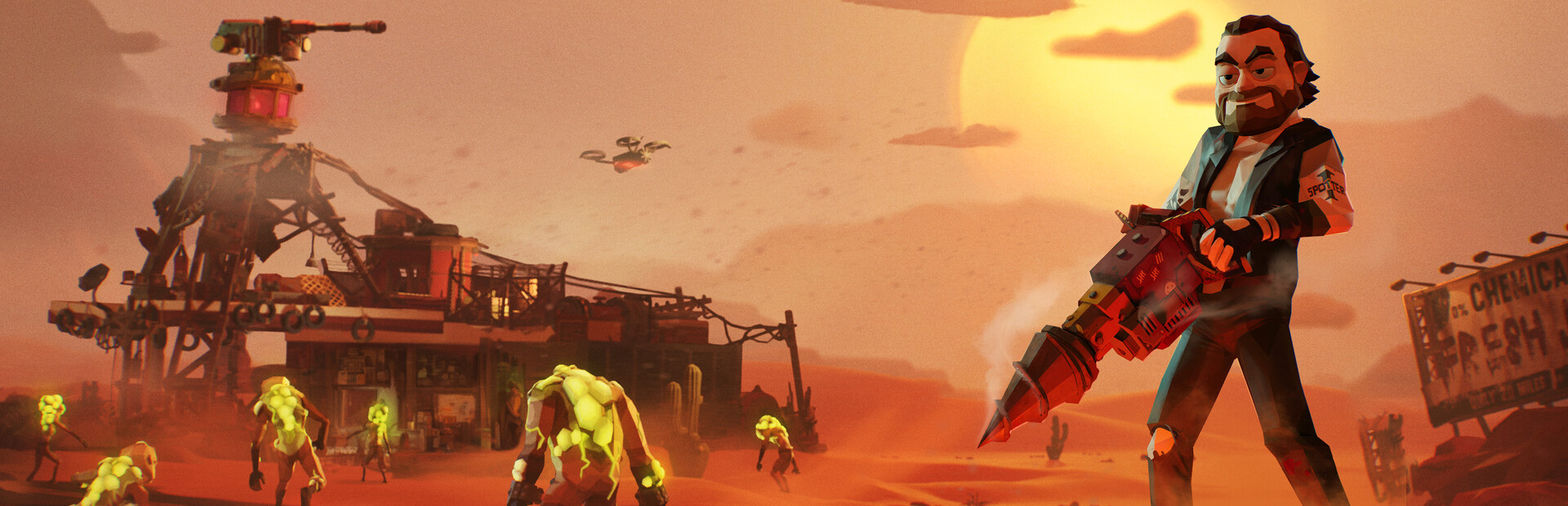
Dig by day, fight by night in this blend of mining and Tower Defense. As the last Spotter at a ruined gas station, hold back mutant hordes, scavenge the wasteland, and repair your receiver to capture the President’s vital message and humanity’s last hope.
Frequently Asked Questions
Can I run The Spotter: Dig or Die on my PC?
To run The Spotter: Dig or Die you need at least NVIDIA GTX 770 and 8GB RAM. For the best experience, Nvidia RTX 2070 with 16GB RAM is recommended. Use CanIRun.gg to check your PC instantly for free.
What are the minimum requirements for The Spotter: Dig or Die?
The Spotter: Dig or Die minimum requirements: GPU: NVIDIA GTX 770, CPU: Intel Core i5, RAM: 8 GB, Storage: 2 GB, DirectX: Version 11.
What are the recommended specs for The Spotter: Dig or Die?
The Spotter: Dig or Die recommended specs: GPU: Nvidia RTX 2070, CPU: Intel Core i5, RAM: 16 GB, Storage: 2 GB, DirectX: Version 11.
How many GB is The Spotter: Dig or Die?
The Spotter: Dig or Die requires at least 2 GB of free storage for installation. Make sure you have some extra headroom for patches and save files.
Can a GTX 1650 run The Spotter: Dig or Die?
No — a GTX 1650 falls below the minimum GPU requirement for The Spotter: Dig or Die. You would need a stronger card (roughly NVIDIA GTX 770 or better) for a playable experience.
Is The Spotter: Dig or Die CPU or GPU intensive?
The Spotter: Dig or Die puts balanced load on both CPU and GPU. Neither component is dramatically heavier than the other, so a mid-range CPU paired with a mid-range GPU delivers the best experience.