Can I Run Road to Vostok?
Detecting your hardware...
Verdict · your PC vs Road to Vostok
Measuring your PC against this game…
Grade = your score ÷ recommended · S ≥ 2.0× · A ≥ 1.3× · B ≥ 1.0× · C ≥ 0.75× · D ≥ 0.5× · F below
Upgrade to run this game
Your hardware doesn't meet the requirements. Here are upgrades that would let you play:
As an Amazon Associate, CanIRun.gg earns from qualifying purchases. These links support the site at no extra cost to you.
System Requirements
| Component | Minimum | Recommended | Your PC |
|---|---|---|---|
| GPU | NVIDIA GeForce GTX 1060 | NVIDIA GeForce GTX 1080Ti | Detecting... |
| CPU | Intel Core i5 | Intel Core i7 | Detecting... |
| RAM | 8 GB | 8 GB | Detecting... |
| Storage | 10 GB | 10 GB | — |
| DirectX | Version 12 | Version 12 | — |
More on Road to Vostok
About
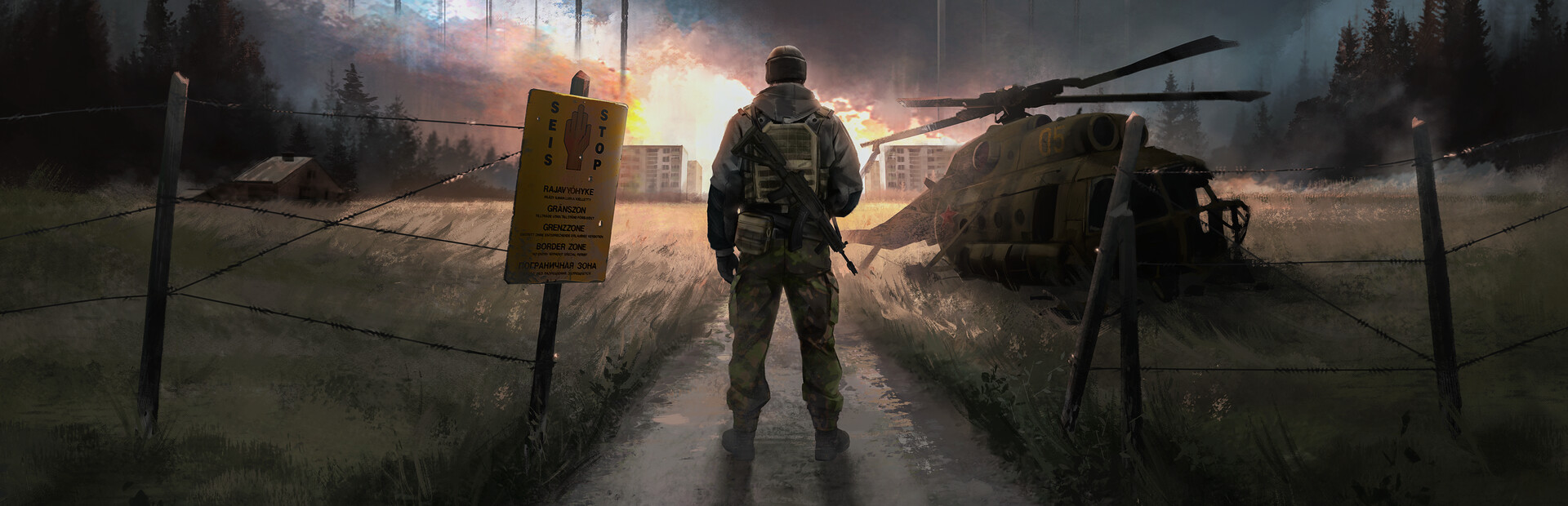
Road to Vostok is a hardcore single-player survival game set in a post-apocalyptic border zone between Finland and Russia. Survive, loot, plan and prepare to cross the border into Vostok, a permadeath zone where one mistake can end it all.
Frequently Asked Questions
Can I run Road to Vostok on my PC?
To run Road to Vostok you need at least a GeForce GTX 1060, plus 8 GB of RAM. For the best experience, the recommended specs are a GeForce GTX 1080 Ti, plus 8 GB of RAM. Use CanIRun.gg to check your PC instantly for free.
What are the minimum requirements for Road to Vostok?
Road to Vostok minimum requirements: GPU: NVIDIA GeForce GTX 1060, CPU: Intel Core i5, RAM: 8 GB, Storage: 10 GB, DirectX: Version 12.
What are the recommended specs for Road to Vostok?
Road to Vostok recommended specs: GPU: NVIDIA GeForce GTX 1080Ti, CPU: Intel Core i7, RAM: 8 GB, Storage: 10 GB, DirectX: Version 12.
How many GB is Road to Vostok?
Road to Vostok requires at least 10 GB of free storage for installation. Make sure you have some extra headroom for patches and save files.
Can a GTX 1650 run Road to Vostok?
No — a GTX 1650 falls below the minimum GPU requirement for Road to Vostok. You would need a stronger card (roughly GeForce GTX 1060 or better) for a playable experience.
Is Road to Vostok CPU or GPU intensive?
Road to Vostok is primarily GPU intensive. The minimum GPU tier is high relative to the CPU requirement, so the graphics card is the main bottleneck — upgrading your GPU will deliver the biggest frame rate gains.
Can Steam Deck run Road to Vostok?
Yes, Road to Vostok is marked as Playable on Steam Deck. It runs on the device but may require some manual adjustments, such as configuring the on-screen keyboard or tweaking graphics settings.
How many players can run Road to Vostok?
According to the Steam Hardware Survey for September 2026, 90% of Steam players have a graphics card that meets the minimum GPU for Road to Vostok and 72% meet the recommended one. We match every card in the survey against our GPU benchmark scores; the ones we identify add up to 82.6% of the survey, and the math runs on that part. It only measures the graphics card, not the CPU or RAM.